What's new in Transcript Maker: 20+ features since 2023
It’s been a busy few years for Transcript Maker, the high school transcript app we’ve run since 2006. Since 2023 we’ve shipped more than 20 new features, and nearly every one started as a request from a homeschool family or a private school using the app. Here’s a look at the biggest additions.
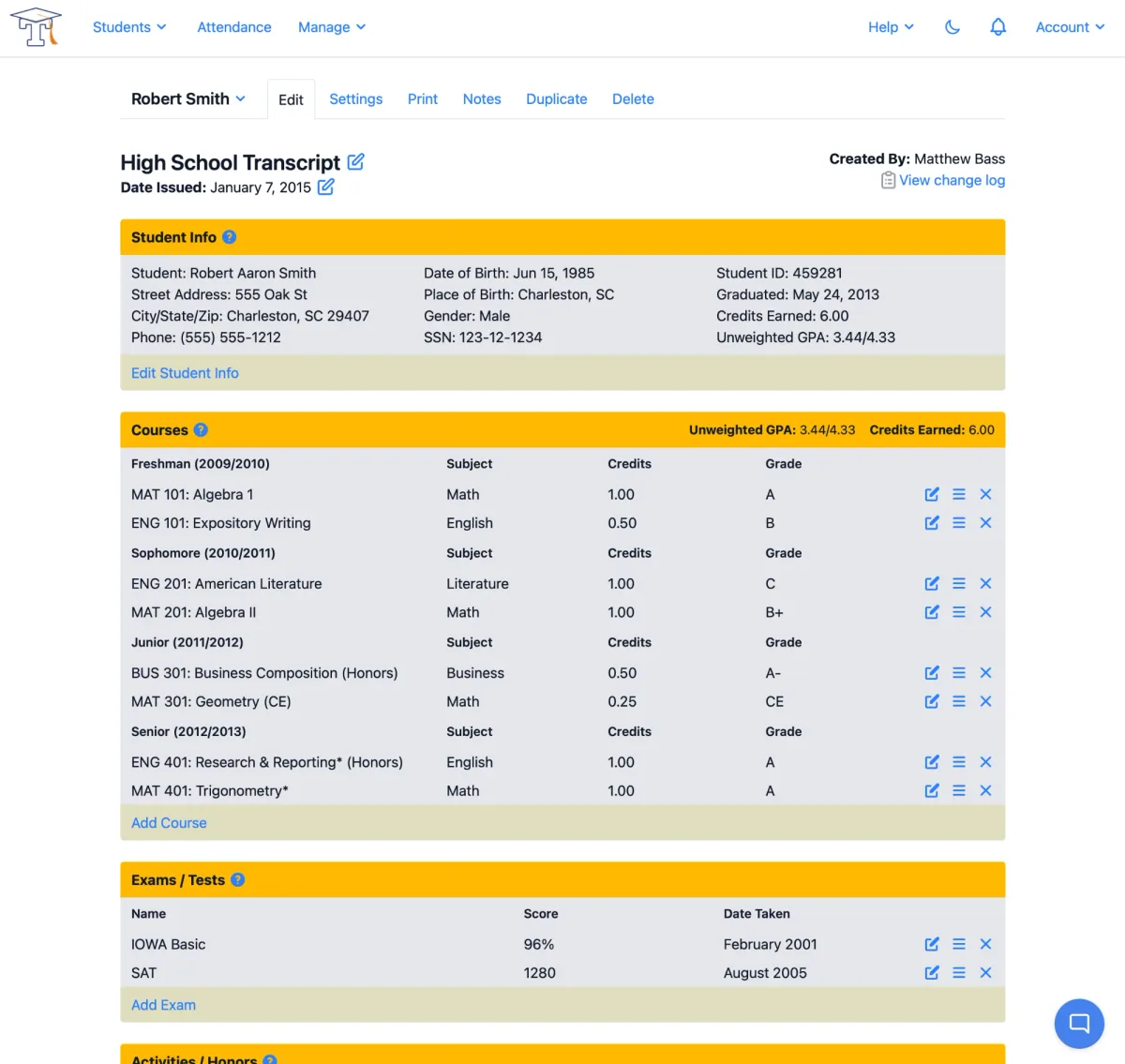
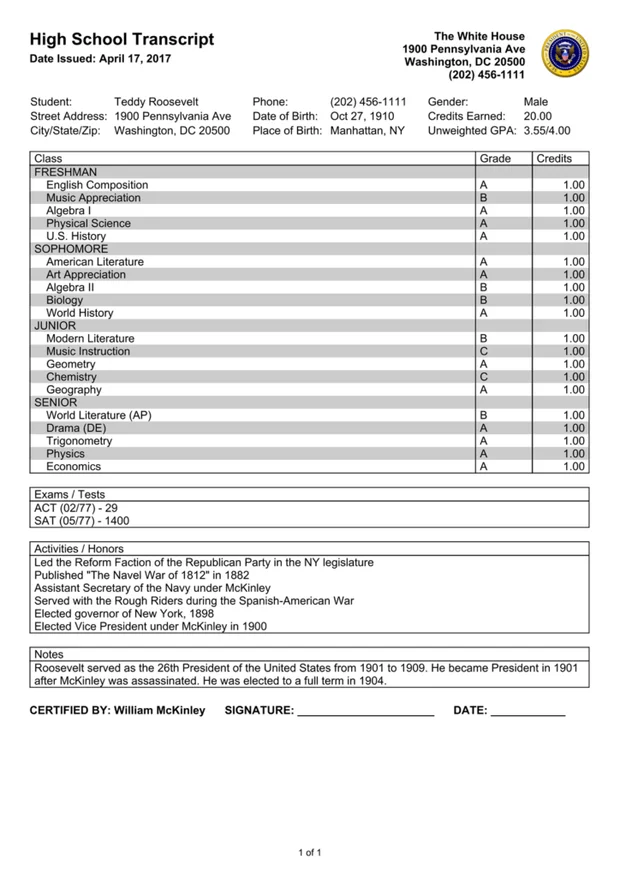
Built around your students
We redesigned the app’s navigation around students instead of transcripts. Your students are now front and center, with each student’s transcripts listed underneath, so it’s easier to find what you need when you’re managing more than one child or a whole school.
Richer transcripts
- Course descriptions: add a description to any course and include it with the transcript, giving colleges more context about what your student studied.
- Student photos: upload a photo for each student and show it on the transcript.
- Certification signatures: upload digital signatures for the transcript’s certification section, such as a parent signature alongside an administrator or umbrella school signature.
- Degree and major fields: record a degree or area of study when your transcript calls for one.
- Pass/fail grades: use pass/fail grading with any grading scale.
- Watermarks on every template: add a watermark to your transcript, whichever template you use.
Attendance tracking
Transcript Maker now includes a full daily attendance system. You enter attendance in a simple weekly view that works great on a phone, and attendance reports can appear right on the transcript.
More flexibility for schools
Private schools have been using Transcript Maker for years, and many of the newest features came from their requests:
- Credit programs: set up more than one set of credit requirements, like a standard diploma and an advanced diploma, and choose which one applies to each transcript.
- Custom grading scales: create and manage your own grading scales alongside the built-in ones.
- Student CSV import: bring a whole roster of students into the app at once.
- Texas TREx support: schools in Texas can assign the state’s official subject area codes to their courses for TREx transcript exports.
Small things that add up
- Transcript recovery: deleted a transcript by accident? It can now be recovered instead of being gone for good.
- Course autocomplete: course names fill in as you type, so entering four years of classes goes faster.
- Self-service plan changes: upgrade or downgrade your plan anytime from your account settings.
- A new PDF engine: transcripts are now generated with a brand-new PDF renderer.
What’s next
We’re already working on what comes next, including a report card feature. As always, the best ideas come from the families and schools who use Transcript Maker every day. If there’s something you wish it could do, let us know.
Already a customer? Sign in at www.TranscriptMaker.com to try the new features. New to Transcript Maker? Every plan comes with a 14-day free trial.